Drop your vehicle here
Upload to start the window tint simulation
Visualize Before You Tint
We have shades of tint available from the lightest 70% down to 5% limo black. The percentage refers to how much light the tint lets through (lower % = darker). This tool is perfect for visualizing your car before ordering window tints.
Own a Window Tint Business?
Embed TintSim directly on your website. Let customers visualize their tint before visiting your shop. Increase conversions and reduce consultation time.
How the Simulator Works
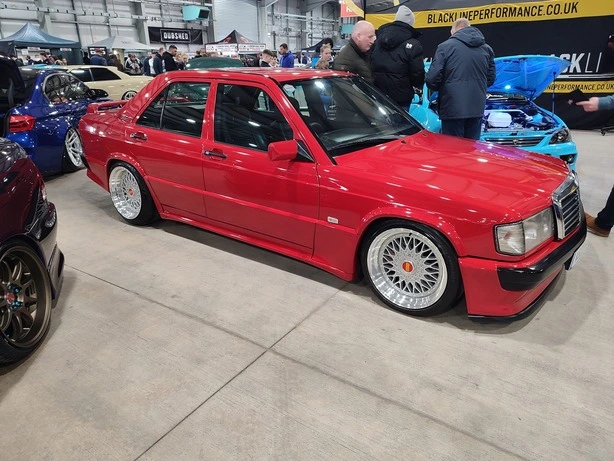
Upload Photo
Select a clear side-profile photo of your vehicle for the best tint visualization results.
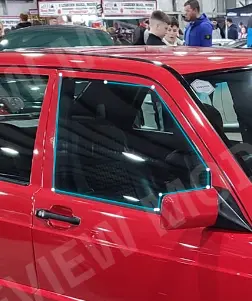
Trace Windows
Manually click points around the window glass to define the tint area precisely.
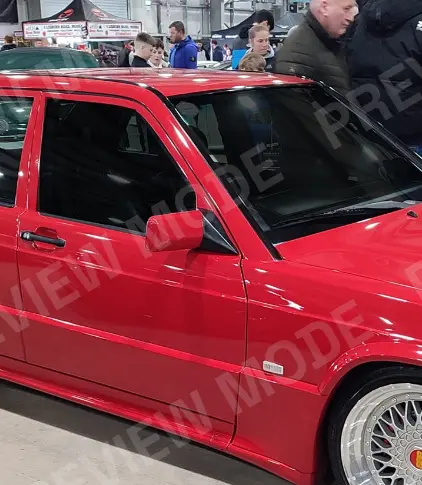
Apply Tint
Use the tint intensity slider to instantly visualize 5%, 20%, 35%, or 50% shades.
From the Knowledge Base
Why Use an AI Window Tint Simulator? The Ultimate Guide to Visualizing Your Tint
Stop guessing how your car will look. Our AI window tint simulator helps you visualize different shades like 5%, 20%, and 35% instantly before you buy.

The Ultimate Car Tint Visualizer Guide: How to Preview Window Film Like a Pro
Learn how to use our free car tint visualizer to choose the perfect film. See real-time previews of dyed, carbon, or ceramic tints on your specific vehicle model.

Window Tint Percentage Calculator & Laws by State: Complete 2026 Guide
Confused by VLT numbers? Use our tint percentage calculator concepts to understand visible light transmission and ensure your vehicle stays street legal in your state.